
First-Time Fix Rate in Field Service: What Drives It and How Live Technician Data Moves It
First-time fix rate is the share of jobs resolved on the first visit, with no return trip. It depends less on the technician than on preparation before dispatch: a correct diagnosis, the right skills, the right parts on the van and site history on the phone. Remote alarm logs and live field data improve all four; tagging each repeat visit shows where to act.
In this article
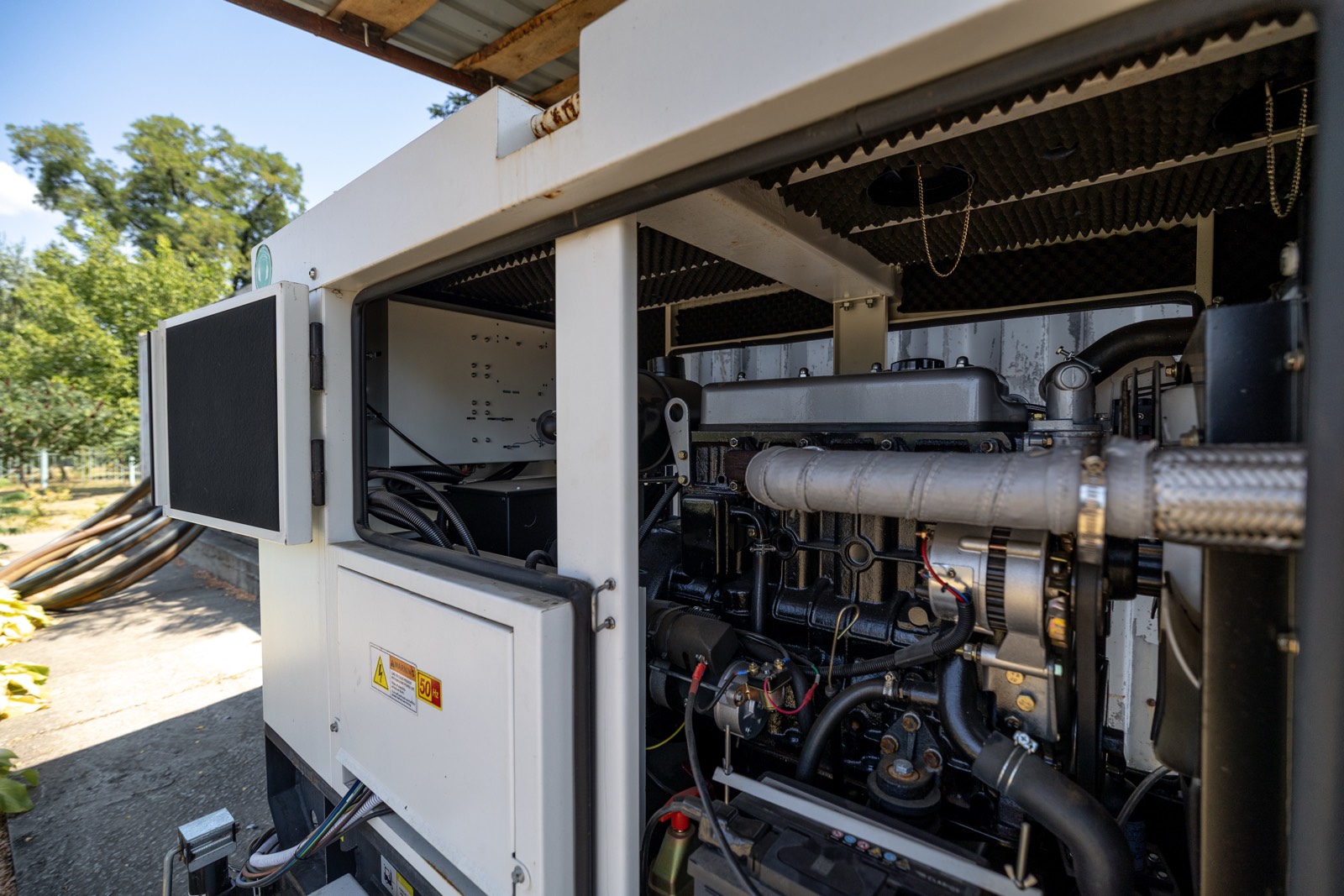
Every maintenance manager knows the call. The technician is on site, the cabinet is open, the fault is clear, and the part is in the warehouse 80 km away. The visit ends with a note, a second trip is booked, and the site stays degraded for another day.
That second trip is what first-time fix rate measures. It is one of the few field service numbers that tells you, in a single figure, how well the office prepares the work and how well the field executes it. This article explains how to calculate it honestly, what drives it, and how live technician data and remote monitoring move it.
What is first-time fix rate?
First-time fix rate (FTFR) is the percentage of jobs that are resolved on the first visit, with no return visit needed for the same fault.
FTFR = jobs fixed on the first visit / total jobs that needed a fix x 100
The formula is simple. The hard part is deciding what goes into it, and then applying the same rules every month. Agree these definitions before you report the number:
- Which jobs count. Corrective jobs where a fix was expected. Preventive visits with no fault are usually left out, because they inflate the rate.
- What "fixed" means. The fault is cleared and verified on site, with a reading, a test run or a photo, and the alarm has not come back within an agreed window.
- What is excluded. Jobs that stop for a client decision or approval, planned multi-visit work (for example a survey visit followed by a scheduled replacement), and jobs where the client denied access by appointment.
- The return window. A repeat visit for the same fault on the same asset within an agreed period, for example 7 or 30 days, counts against the first visit.
Exclusions are legitimate only if they are written down and used every time. If "client decision" becomes a place to hide missing parts, the number stops meaning anything.
Why does first-time fix rate matter?
A repeat visit costs far more than the second trip:
- Travel and technician time are paid twice, and on remote telecom or rural sites travel is often most of the job.
- Downtime continues. A site running on batteries, a store without cooling or a generator in alarm stays at risk until the second visit.
- SLA clocks keep running. Restore times are measured from the alarm, not from the visit.
- Planned work slips, because the return visit takes a slot from preventive maintenance.
- Client trust drops. A client who sees two visits for one fault starts asking whether the first visit was needed.
A rising FTFR usually means fewer kilometres, shorter restore times and more capacity for planned work, all at once.
What drives first-time fix rate?
Most failed first visits are decided before the technician leaves the depot. These are the main drivers:
| Driver | What good looks like |
|---|---|
| Diagnosis before dispatch | The alarm, its history and the likely cause are known before the job is assigned |
| Remote diagnostics | Controller alarm log, run hours and readings reviewed remotely |
| Technician skills | The job goes to someone qualified for that equipment and fault type |
| Parts on the van | Likely parts are predicted from the asset type and its history and loaded before departure |
| Site and asset history | Last visit's readings, photos and open findings are on the phone |
| Access information | Keys, codes, contacts, opening hours and permits are confirmed |
| Job description | A clear statement of the fault, not just "generator alarm" |
The pattern is clear: a technician with good information and the right part fixes most faults. A good technician without them often cannot.
How do live technician data and remote monitoring move it?
Live data closes the gap between what the office knows and what the technician needs. In practice it helps at five points:
- Pre-visit alarm and log review. With remote monitoring, the dispatcher or a senior engineer reads the controller's alarm and event log before assigning the job. "Low oil pressure shutdown after 40 seconds" is a different job from "start failure", and needs different parts and skills.
- Parts prediction from asset history. When every past job is linked to the asset, the system shows which parts were used on this model and this fault before. The van is loaded for the likely cause, not for the general case.
- Photos and readings from the last visit. The technician sees the battery voltages, the coolant level and the photo of the worn belt recorded last time, so a developing problem is recognised immediately.
- Findings with part numbers. When a technician records a finding as "replace fuel filter, part number X, quantity 1", the follow-up job can be prepared completely, and the next visit closes it.
- A feedback loop. Every repeat visit is tagged with its cause, so the office can see which drivers are failing and fix the process, not just the site.
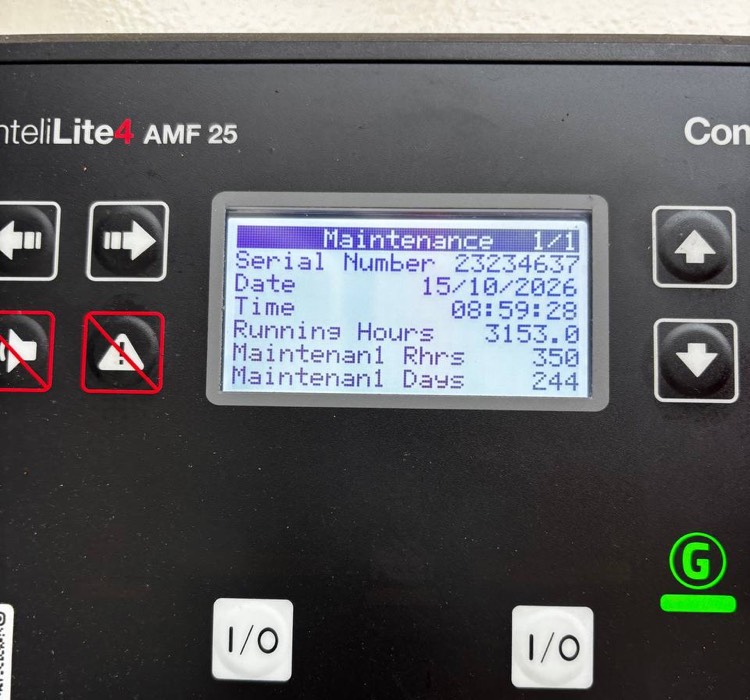
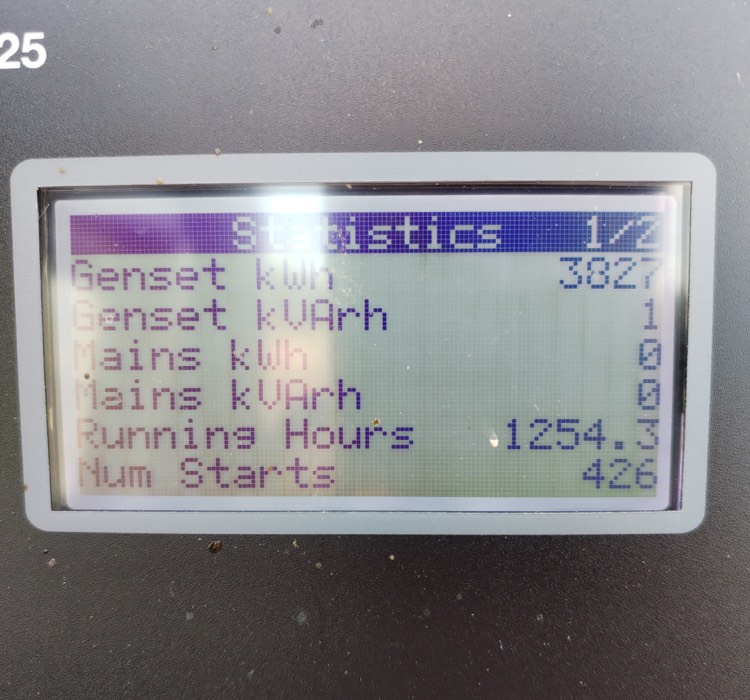
For generator sites specifically, remote generator monitoring explains which controller data is worth reading before dispatch. The same principle applies to rectifiers, UPS units and air conditioning: whatever the equipment can report remotely is diagnosis the technician does not have to do on site.
How do you measure and improve first-time fix rate?
You cannot improve a number you only see as a percentage. You need to know why each repeat visit happened. Ask the technician to choose a cause when a job cannot be closed, from a short fixed list:
- Wrong part: the part brought did not fit or did not solve the fault.
- Missing part: the right part was identified but not on the van.
- Wrong skill: the fault needed a different qualification or a specialist.
- No access: no key, no contact, site closed, permit missing.
- Misdiagnosis: the fault turned out to be something else.
- Client decision: the fix needs approval, a quote or a shutdown window.
Keep the list short. With more than seven or eight options, technicians pick "other" and the data is lost. Review the tagged repeat visits monthly and act on the largest category first.
| Repeat visit cause | Typical root cause | Countermeasure |
|---|---|---|
| Wrong part | Diagnosis from a vague job description | Remote log review before dispatch, photos of the nameplate in the asset record |
| Missing part | Van stock not matched to the asset base | Van stock lists per region from parts used on past jobs, findings recorded with part numbers |
| Wrong skill | Jobs assigned by availability only | Skills and certifications in technician profiles, matched to the fault type |
| No access | Access details out of date or in someone's head | Access data in the site record, confirmed by the technician after every visit |
| Misdiagnosis | No history, no remote data | Alarm history and last visit readings on the phone, senior engineer review for unclear faults |
| Client decision | Approval asked only after arrival | Pre-approval limits in the contract, quote raised from the first finding |
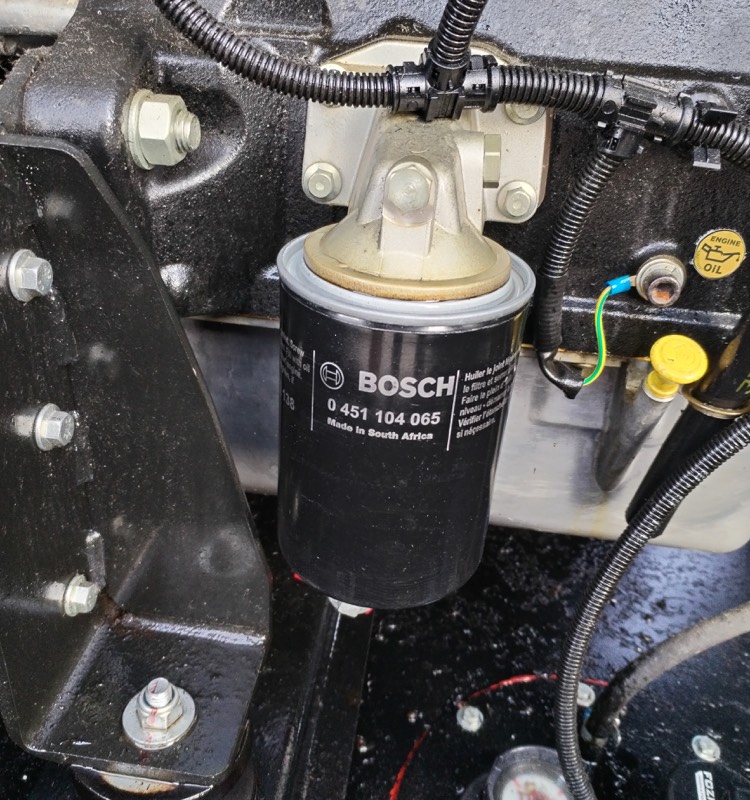
Some causes look like field problems but are office problems. "Missing part" is rarely the technician's fault: it usually means the van stock list was built years ago for a different equipment mix. "No access" is almost always a data quality problem in the site record.
Which KPIs should you track alongside first-time fix rate?
FTFR can be gamed on its own. A technician who leaves a temporary fix and closes the job improves FTFR and creates a repeat fault next week. Track it with related measures:
- Mean time to repair (MTTR): from alarm or call to verified restore. A high FTFR with a long MTTR may mean jobs wait too long for parts before the first visit.
- Repeat fault rate: the same fault on the same asset within a defined period after closure. This catches temporary fixes.
- Travel per job: kilometres or travel hours per completed job. Repeat visits show up here directly.
- Jobs waiting for parts: how many jobs are held before dispatch because the part is not available.
There is no universal target for first-time fix rate. It depends on the work mix, the equipment, how remote the sites are and what the contract allows the technician to do without approval. A team doing mostly simple corrective work on standard equipment should expect a different number from a team handling complex faults on mixed equipment. The useful comparison is your own trend, measured with the same rules, month after month.
For how job data reaches the office in the first place, see why real-time field data matters. For choosing the system that holds it, see CMMS vs field service management.
Frequently asked questions
What is first-time fix rate in field service?
First-time fix rate is the percentage of jobs that are resolved on the first visit, without the need for a return visit for the same fault. It is calculated as jobs fixed on the first visit divided by all jobs that needed a fix.
How do you calculate first-time fix rate?
Divide the number of jobs fixed on the first visit by the total number of jobs that needed a fix, and multiply by 100. Decide in advance which jobs are excluded, such as jobs waiting for client approval or planned multi-visit work, and apply the same rules every month.
What is a good first-time fix rate?
There is no single good number. Targets depend on the work mix, equipment complexity, site locations and what the contract allows technicians to do without approval. Track your own trend with consistent rules and set targets per contract or work type.
What causes low first-time fix rates?
The most common causes are wrong or missing parts, a technician without the right skills, no access to the site, misdiagnosis and fixes that need a client decision. Most of them are decided before dispatch, by the quality of the diagnosis and the job information.
How does remote monitoring improve first-time fix rate?
Remote monitoring lets the office read alarms, event logs and readings before dispatch. That gives a likely diagnosis, so the job goes to the right technician with the right parts, and the first visit becomes a repair instead of an inspection.
Sources
- ITIL incident management practice, on recording, categorising and resolving incidents and on measuring repeat incidents.
- ISO 55000, Asset management: overview, principles and terminology, on the value of reliable asset information for decisions.
- NFPA 110, Standard for Emergency and Standby Power Systems, on maintenance and record keeping for standby generators.
- Experience from running 24/7 maintenance operations with remote monitoring and field crews across generators, telecom sites and retail stores.
- Related reading: real-time field data, CMMS vs field service management, preventive, predictive or condition-based maintenance and generator maintenance schedule and checklist.

Maintenance software built by people who run maintenance
Domar Labs builds the Care family: GenSetCare for generator fleets and AllSiteCare for critical sites and facilities, both shaped by 24/7 field operations.