
CMMS vs Field Service Management Software: What Multi-Site Maintenance Teams Really Need
A CMMS is built around assets: registers, preventive maintenance plans and maintenance history. Field service management software is built around jobs, technicians and customers: dispatch, routing, mobile work, contracts and invoicing. Multi-site operators of critical sites need both halves, plus remote monitoring alarms that become work orders and a client view of SLAs, in one connected record.
In this article
- What is a CMMS?
- What is field service management software?
- How do CMMS and FSM compare?
- Where does each fall short for multi-site critical infrastructure?
- What does a multi-site operator actually need?
- Requirements checklist for evaluating maintenance software
- Which integrations matter?
- Which type should you choose?
- Are CMMS and FSM converging?
- Frequently asked questions
- Sources
Ask ten maintenance managers what software they use and you will hear two kinds of answers. Some run a CMMS, a computerised maintenance management system, and talk about assets, maintenance plans and history. Others run field service management (FSM) software and talk about dispatch, technicians on the road and invoices.
Both are right for the job they were designed for. The trouble starts when one operation has to look after hundreds of unmanned sites, generators, batteries, air conditioning and fire systems spread across a region, with contracts and SLAs on top. This article explains what each type of software does, where each one falls short for that kind of operation, and how to choose.
What is a CMMS?
A CMMS is software for planning and recording maintenance on physical assets. Its centre of gravity is the asset:
- Asset register: every generator, UPS, rectifier, air conditioner or pump, with its location, make, model, serial number and parent equipment.
- Preventive maintenance scheduling: tasks triggered by calendar intervals, run hours or meter readings.
- Work orders: planned and corrective jobs, linked to the asset.
- Maintenance history: what was done to each asset, when, by whom and with which parts.
- Spare parts and inventory: stock levels, reorder points and parts used per job.
The classic CMMS was designed for a plant, a hospital or a campus: one or a few facilities, in-house technicians who walk to the asset, and a planner in the same building. It answers the question "what is the condition and history of this machine?" very well.
What is field service management software?
FSM software is built for organisations that send technicians to many locations, often to customer sites. Its centre of gravity is the job and the person doing it:
- Scheduling and dispatch: who goes where, today, based on skills, availability and urgency.
- Routing: travel time and the order of visits across a region.
- Mobile app: the technician receives the job, records the work and closes it on a phone or tablet.
- Customers, contracts and SLAs: who the work is for, what is covered and how fast the response must be.
- Quoting and invoicing: turning completed work into a quote or an invoice.
FSM answers the question "who should go to which job, how fast, and how do we bill it?" very well. It usually knows much less about the equipment itself.
How do CMMS and FSM compare?
| Criterion | CMMS | Field service management |
|---|---|---|
| Focus | Assets and their condition | Jobs, technicians and customers |
| Typical user | Maintenance planner, in-house technicians | Dispatcher, mobile technicians, service manager |
| Unit of record | The asset and its history | The job or visit |
| Mobility | Often added later, sometimes limited | Core: mobile app, routing, check-in |
| Customers and contracts | Usually internal departments only | Core: customers, contracts, coverage |
| SLA tracking | Basic, if any | Response and resolution times per contract |
| Invoicing | Rare, cost tracking instead | Quotes, time and materials, invoices |
| Offline mobile use | Varies widely | Common, because technicians travel |
| Preventive maintenance plans | Core: intervals, meters, task lists | Often simple recurring visits |
| IoT and remote monitoring | Meter readings, sometimes alarms | Rarely beyond basic integrations |
These are typical patterns, not rules. Individual products in both categories have grown into each other's territory, which is why the comparison always has to be made against your own requirements.
Where does each fall short for multi-site critical infrastructure?
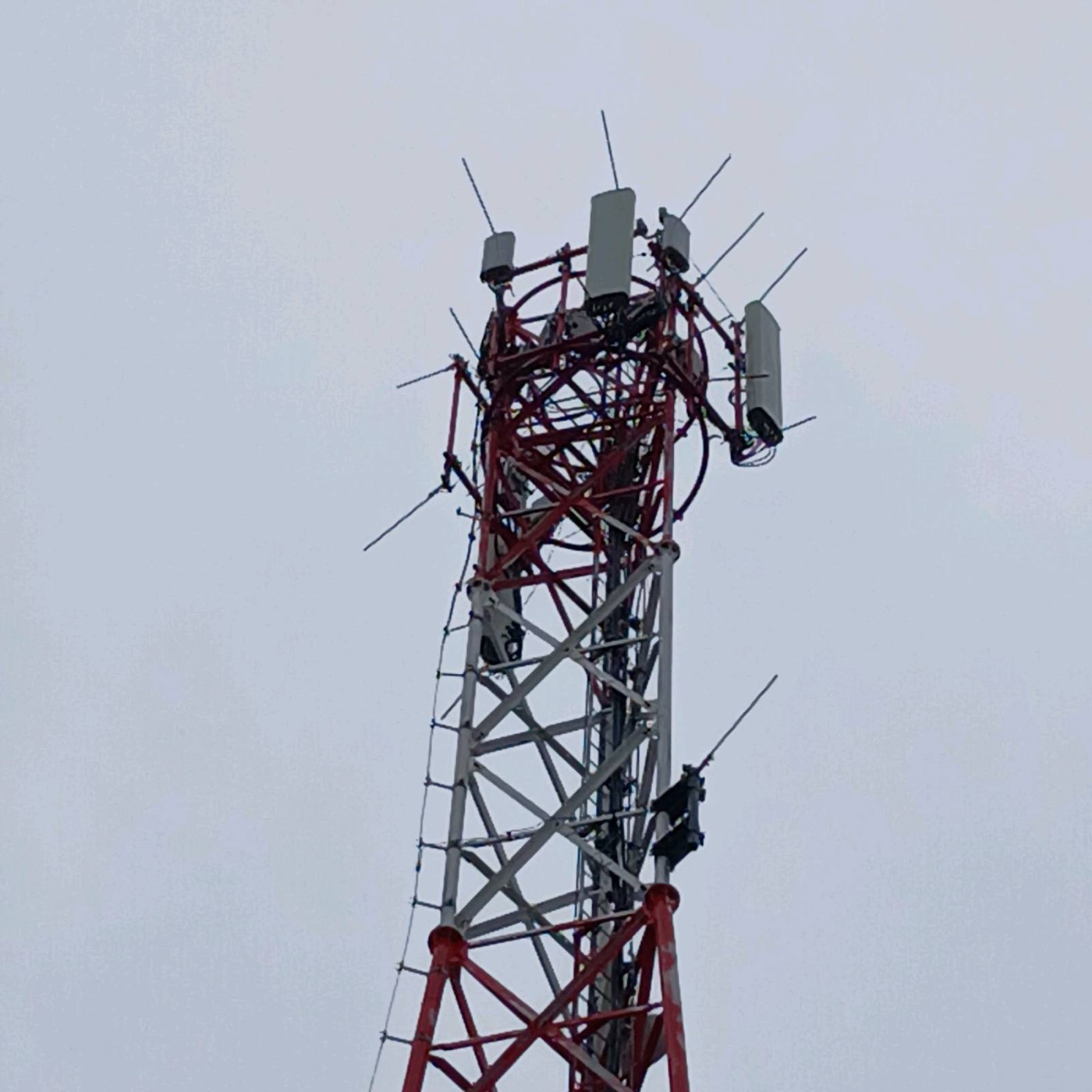
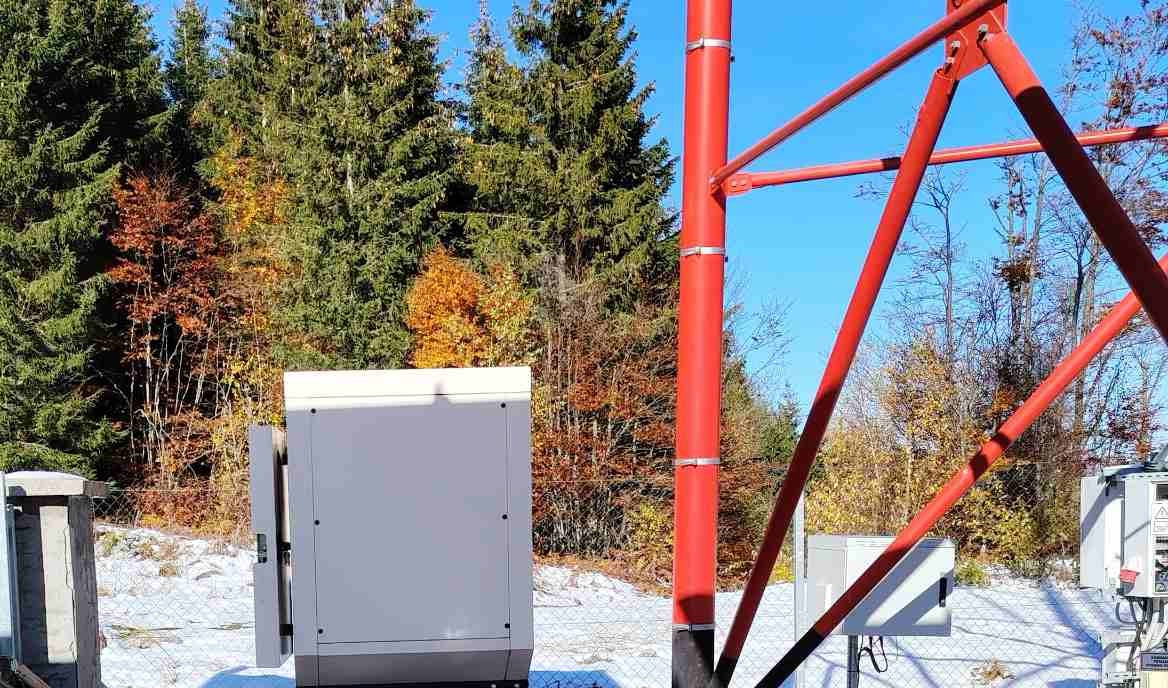
Think of an operator responsible for telecom sites, retail stores and offices across a large area. Most sites are unmanned. Equipment fails at night. The client wants proof of every visit and a monthly SLA report.
Where a CMMS falls short
- Dispatch is weak. A CMMS can assign a work order to a person, but it rarely helps decide who is closest, who has the right skills or how to route four visits in one day.
- The mobile experience is an afterthought. On a remote site without coverage, an app that needs a live connection is useless.
- Client reporting is missing. A CMMS is built for internal users. Showing a client their sites, open jobs and SLA performance usually means exporting spreadsheets.
- Contracts and invoicing are outside it. The work is recorded, but the commercial side lives somewhere else.
Where field service management falls short
- Asset history is thin. Jobs are recorded per visit, so the readings from twelve battery checks are scattered across twelve job reports instead of building a trend on one battery string.
- Maintenance plans are simplistic. "Visit every three months" is not the same as a plan that follows run hours on a generator, the inspection intervals in NFPA 110 or the battery tests in IEEE 450 and IEEE 1188.
- Equipment structure is flat. A site with a generator, an ATS, two rectifiers and a battery bank becomes one address with a list of jobs.
Where both fall short
Neither type was built to receive alarms from equipment on site. For an unmanned site, the first sign of trouble is usually an alarm from a generator controller, a rectifier or an air conditioner, not a phone call. If that alarm lives in a separate monitoring platform, a person has to read it and type a work order by hand.
What does a multi-site operator actually need?
The answer is not "a CMMS" or "an FSM", but the parts of both that matter, joined together:
- Asset-centric history: every reading, finding and repair attached to the asset, so trends become visible over months and years. This is the core idea of ISO 55000 asset management.
- Mobile dispatch: skills, location and urgency, an offline mobile app with checklists, readings and photos, and automatic timestamps.
- Remote monitoring alarms that become work orders: an alarm with a defined priority creates or updates a job automatically, without someone retyping it.
- Client portal and SLA tracking: the client sees their sites, open jobs and completed reports, and response and restore times are measured from the alarm, not from when someone noticed it.
- One record from alarm to invoice: the alarm, the work order, the field report and the billing line refer to the same event.
This is the idea behind AllSiteCare: alarms, maintenance plans and field reports in one place. Whatever software you choose, the test is the same: can you follow one event from the first alarm to the closed job without switching systems?
Requirements checklist for evaluating maintenance software
Use this list when you compare products. Ask for a demonstration of each point with your own data, not a slide.
- Asset hierarchy: site, equipment, sub-equipment, with make, model, serial and installation date.
- Preventive plans by calendar, run hours and meter readings, with task lists per asset type.
- Checklists with measured values and value ranges, not only ticks.
- Offline mobile app that stores readings and photos and synchronises later.
- Automatic timestamps for travel, arrival, start and finish.
- Dispatch by skills, availability and location.
- Alarm intake from monitoring platforms, with rules for which alarms create jobs and at what priority.
- SLA clocks per contract, starting from the alarm or the client request.
- Client portal with sites, open jobs, reports and SLA results.
- Findings that raise follow-up work orders automatically.
- Spare parts used per job and per asset.
- Export and API access, so your data is never locked in.
Which integrations matter?
- ERP and accounting: completed jobs, parts and labour should flow to invoicing without retyping. Agree early which system owns customers, prices and stock.
- Monitoring platforms: equipment speaks SNMP, Modbus or vendor APIs. The maintenance system should receive alarms and key readings from the monitoring layer, not poll every controller itself. For generators, see this overview of remote generator monitoring and power monitoring for critical sites.
- Client ticketing systems: large clients often run their own ITIL incident management tool. Tickets should arrive as work orders and status updates should go back automatically, so nobody keeps two queues in sync by hand.
Which type should you choose?
- Mostly one or a few facilities, in-house team, no external clients: a CMMS is usually the right fit.
- Many customers, short jobs, little equipment history needed (installations, repairs, one-off calls): FSM is usually the right fit.
- Many unmanned sites, critical equipment, contracts with SLAs: you need asset history, dispatch, monitoring and client reporting together. Look for a platform that covers all four, or plan the integrations very carefully before you buy two systems.
Are CMMS and FSM converging?
Yes. CMMS products are adding mobile apps and contractor portals, and FSM products are adding asset registers and recurring maintenance plans. The labels on the box matter less every year. What still differs is the design centre: a product built around the asset handles history and plans more naturally, and a product built around the job handles dispatch and billing more naturally. Judge each candidate by the checklist above, using a real site with real alarms, rather than by its category name.
For related reading, see why real-time field data matters, how to improve first-time fix rate and how to choose between preventive, predictive and condition-based maintenance.
Frequently asked questions
What is the difference between a CMMS and field service management software?
A CMMS is built around assets: the asset register, preventive maintenance plans, work orders and maintenance history. Field service management software is built around jobs, technicians and customers: scheduling, dispatch, routing, mobile work, contracts, SLAs and invoicing.
Can a CMMS replace field service management software?
For an in-house team in one or a few facilities, usually yes. For an operation that sends technicians to many sites for external clients, a CMMS often lacks dispatch, routing, client portals, contract SLAs and invoicing.
Can field service management software replace a CMMS?
Only if equipment history matters little. FSM records work per visit, so readings and findings rarely build a history per asset, and its maintenance plans are usually simple recurring visits rather than plans based on run hours or meter readings.
What software do multi-site maintenance operators need?
They need asset-centric history, mobile dispatch with an offline app, remote monitoring alarms that turn into work orders automatically, and a client portal with SLA tracking, ideally in one connected system rather than three separate tools.
How should maintenance software connect to remote monitoring?
The monitoring platform collects data from equipment over SNMP, Modbus or vendor APIs. The maintenance software receives selected alarms and readings, creates or updates work orders by defined rules, and starts the SLA clock from the alarm time.
Sources
- ISO 55000, Asset management: overview, principles and terminology, on managing assets across their life cycle with reliable asset information.
- NFPA 110, Standard for Emergency and Standby Power Systems, and IEEE 450 and IEEE 1188 for battery maintenance, as examples of plans that require asset-level history.
- ITIL incident management practice, on the handling of incidents and service levels.
- Experience from running 24/7 maintenance operations with a control room and field crews across telecom sites, retail stores and offices.

Maintenance software built by people who run maintenance
Domar Labs builds the Care family: GenSetCare for generator fleets and AllSiteCare for critical sites and facilities, both shaped by 24/7 field operations.